

EdgeWorkers reports
EdgeWorkers built-in reports help you gain insight about the performance and execution status of your EdgeWorkers functions. You can also view these reports using the EdgeWorkers Management API.
📘 Go to the Billing Center for accurate EdgeWorkers event numbers. The event numbers provided in the EdgeWorkers reports may be impacted by network congestion. For more information refer to this Known issue.
These reports can also help monitor the health of your EdgeWorkers and provide information about whether your EdgeWorkers functions are operating within the defined product limits.
View the Reporting dashboard
Follow these steps to view the EdgeWorkers Management application and the built-in reports.
📘 The EdgeWorkers option is only available under CDN if EdgeWorkers is part of your contract.
-
Log in to Control Center .
-
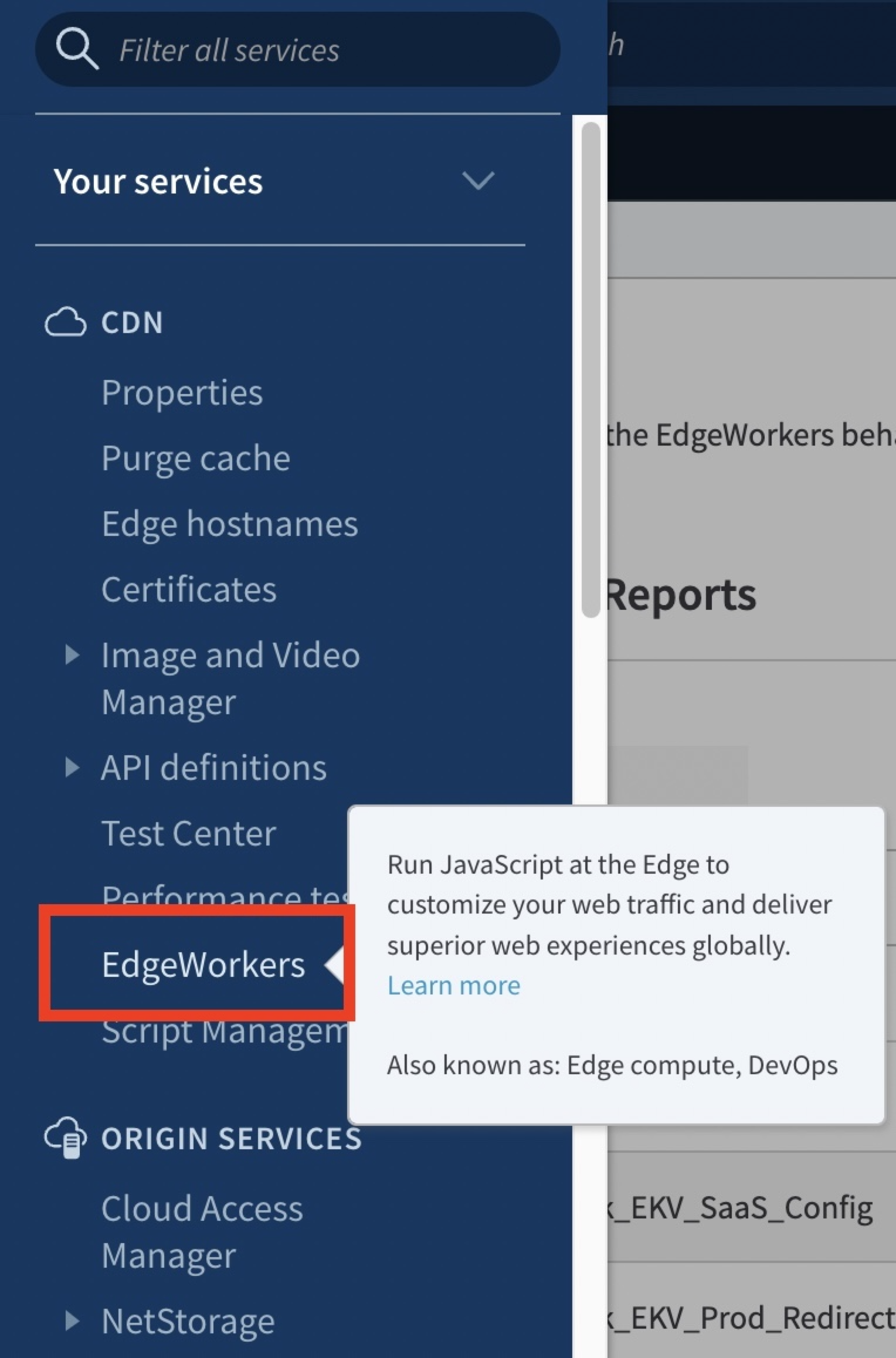
Go to ≡ > CDN > EdgeWorkers.
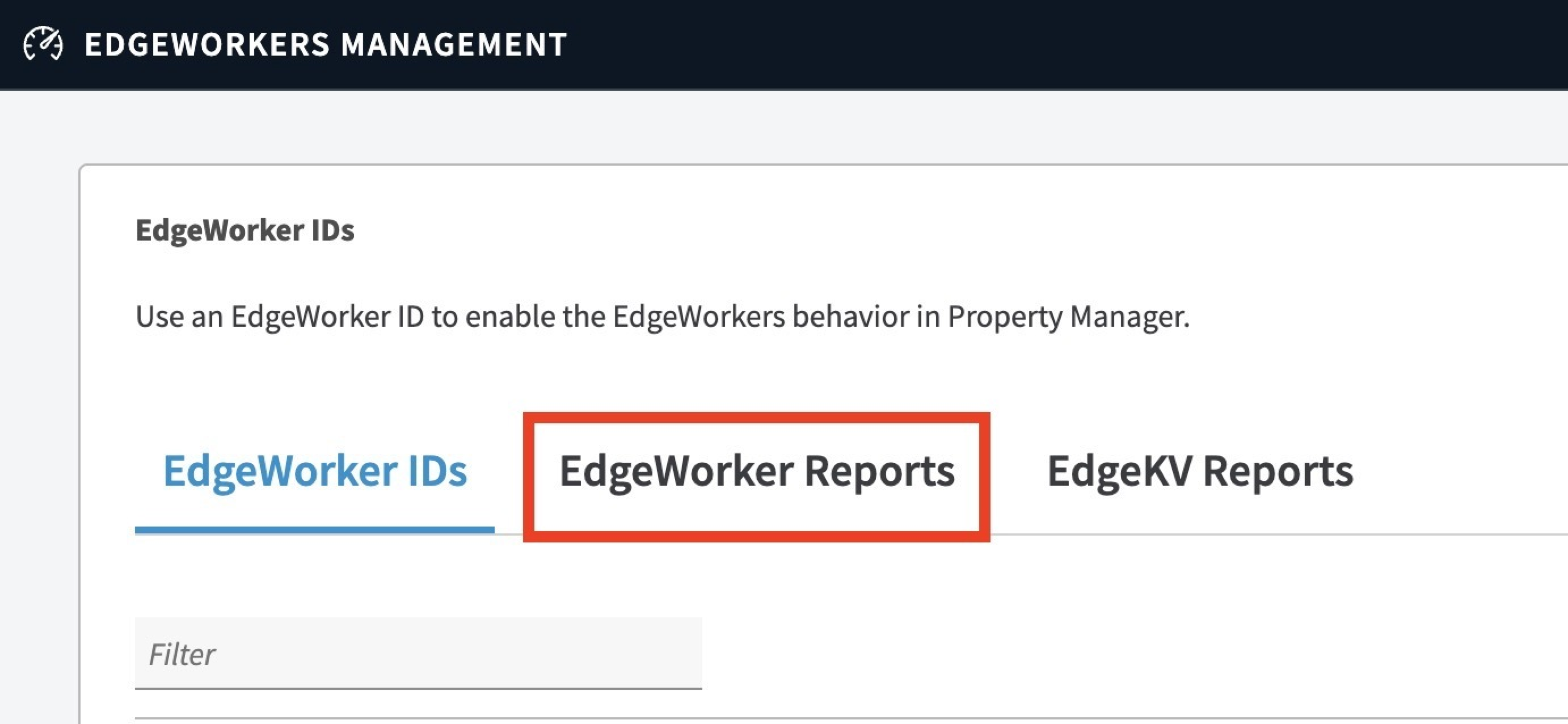
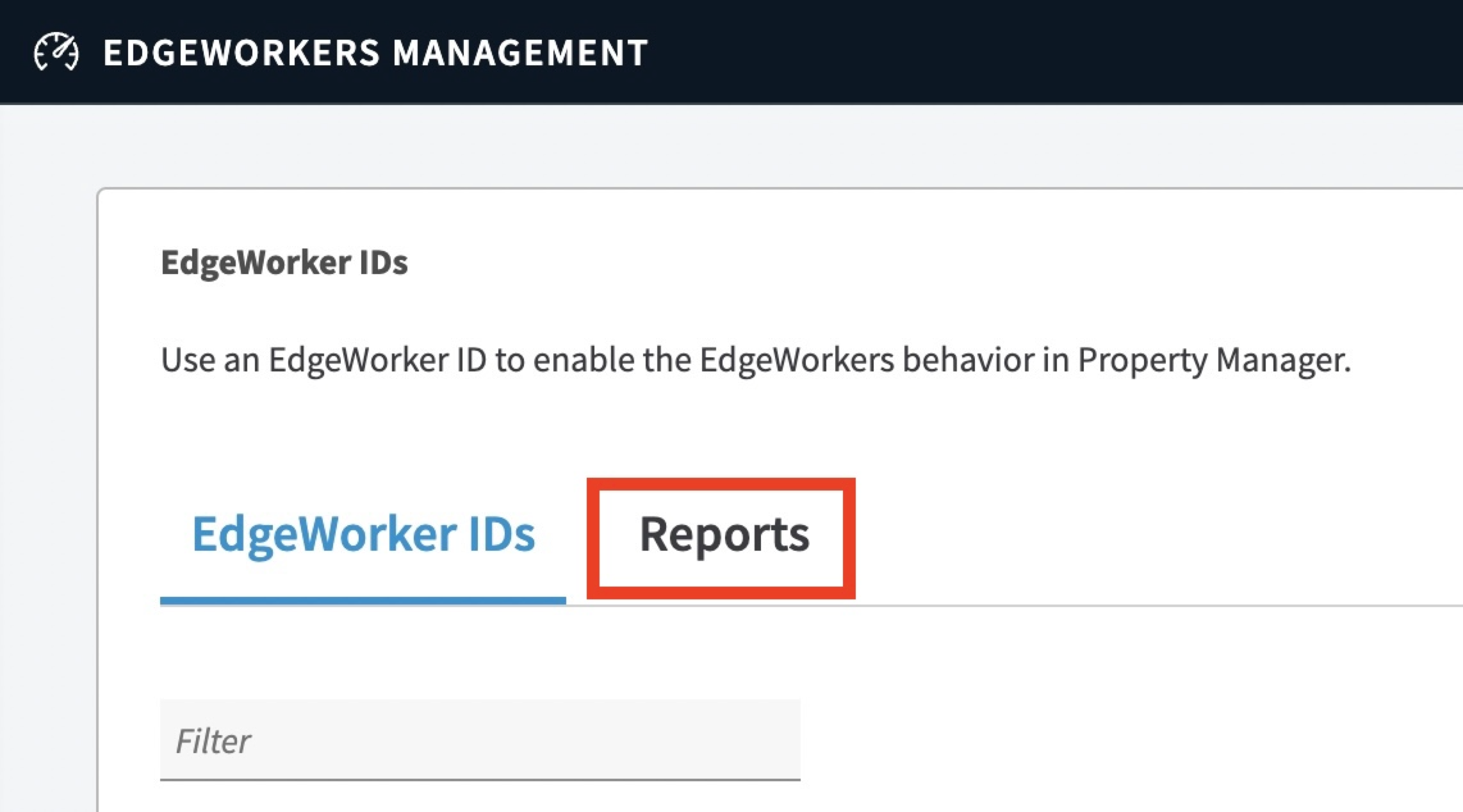
- Click the EdgeWorker Reports tab.
Customize the report data
You can customize the data included in your reports. The available customizations include setting date ranges and selecting specific EdgeWorker IDs and versions. By using the data options you can build reports that provide a deeper insight into the delivery of your EdgeWorkers functions. You can also compare versions of the same EdgeWorker ID in a single report. This may help when testing updates and improvements to your configurations.
👍 Each time you change data options click the Update Reports button to refresh the report contents.
